Fluid Organs
How do different body organs and tissues liquefy and mix together?
Up until now I had only modelled the body as one uniform tissue – no internal organs or tissues such as muscle, blood or fat. I needed to know if I could make different body parts decompose, interact and mix together. All do all this while inside another tissue – the overall body surface.
How do bodily fluids interact during decomposition? Do they all eventually melt down together into a uniform goo or do they retain some differentiation? Which tissues mix into the same fluid (miscible) and which remain as separate layers like oil and water (immiscible)? How is it effected by density and viscosity? So far I have no idea if anyone has empirical data on this and why would they. It might be only visual artists who need to know this kind of detail.
Realflow allows you to mix fluids such as different coloured paints and assign them different densities. I looked up the densities for the most common bodily fluids:
Fat: 900
Muscle: 1060
Blood: 1060
Not many to go on so for the time being I guessed the rest.
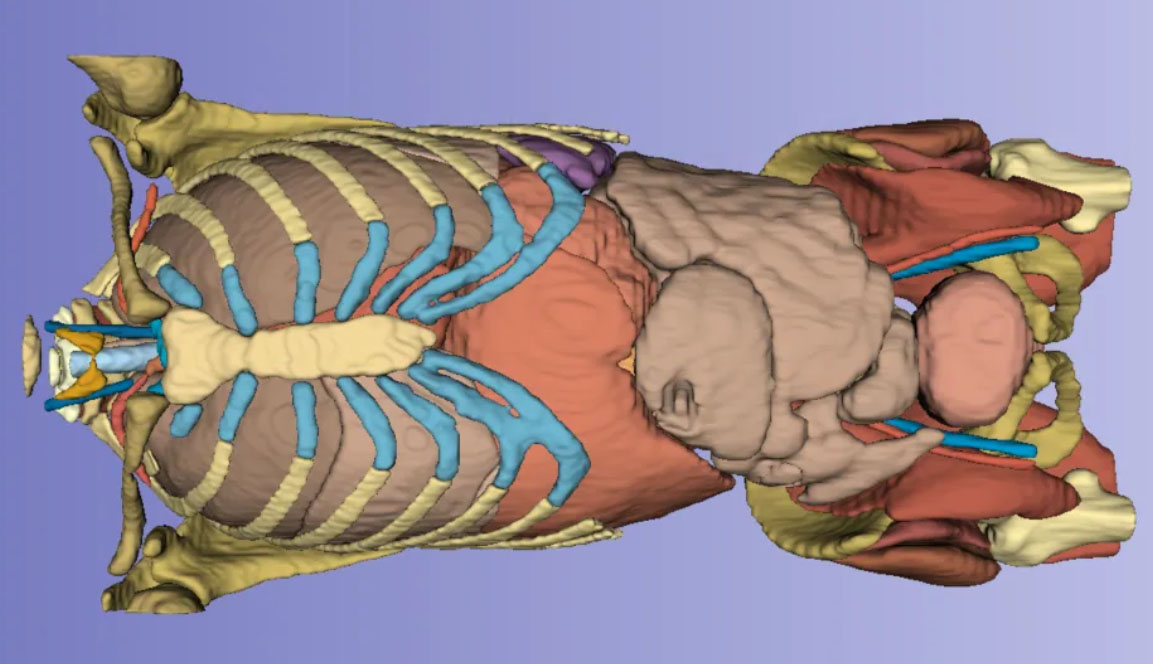
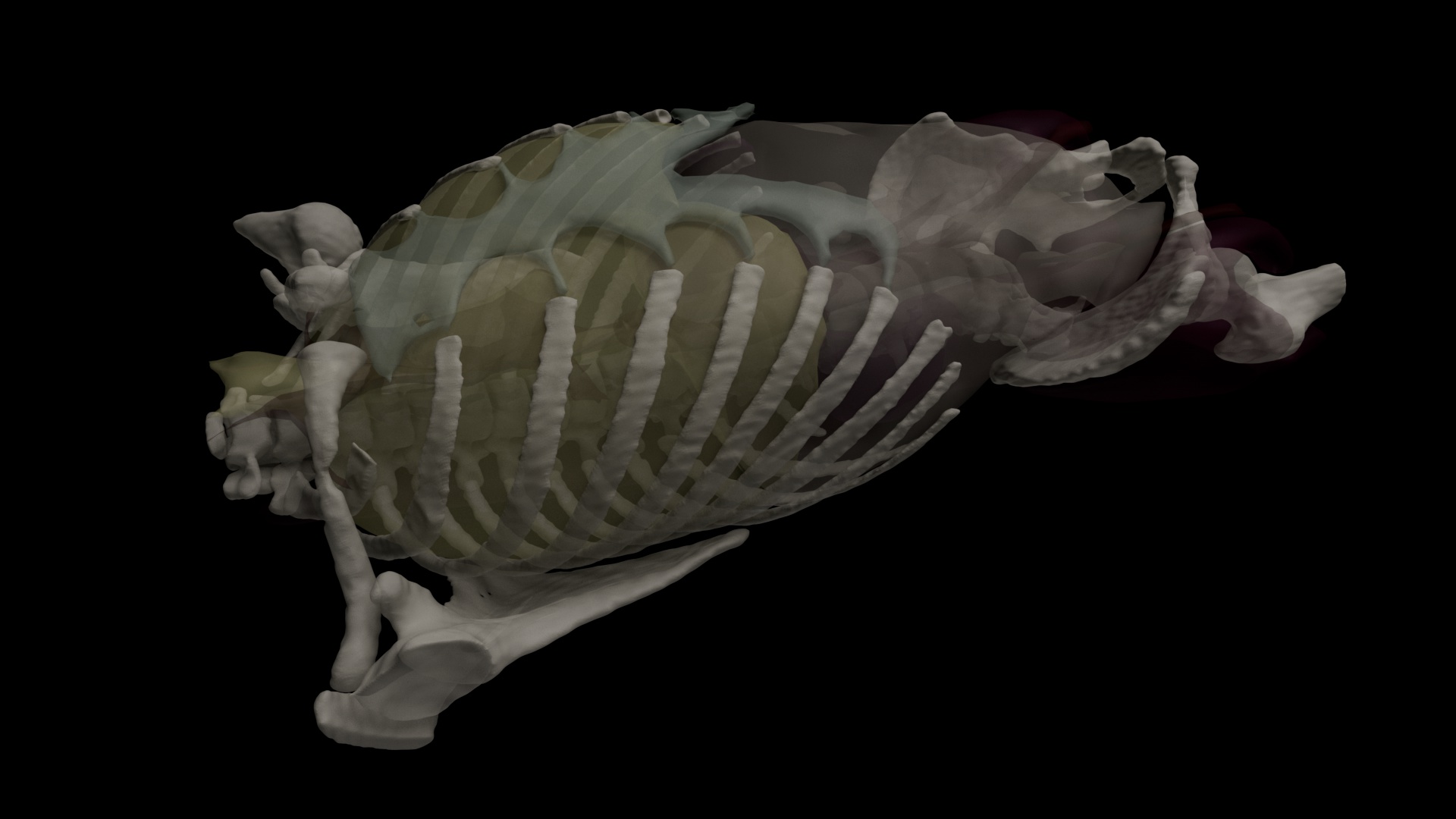
First I needed a body with organs. I had not yet segmented my own body scan so I searched on the internet to see if I could find one already made. I found a torso on Printables that I was able to download for free. It was donated by ShyavanS from a CT scan they had for surgery to remove most of their colon and thought it would be useful for teaching anatomy. Thanks to ShyavanS for their generosity. They used 3D Slicer and an AI based plugin called Totalsegmentator to extract the organs. I decided to use 7 major body parts plus the bones: sternum, lungs, muscles, kidneys, digestive system, blood vessels and abdomen.
https://www.printables.com/model/1004556-adult-human-anatomy-3-ct-scan
The only thing missing was the containing torso so I crudely wrapped a sphere around the organs.
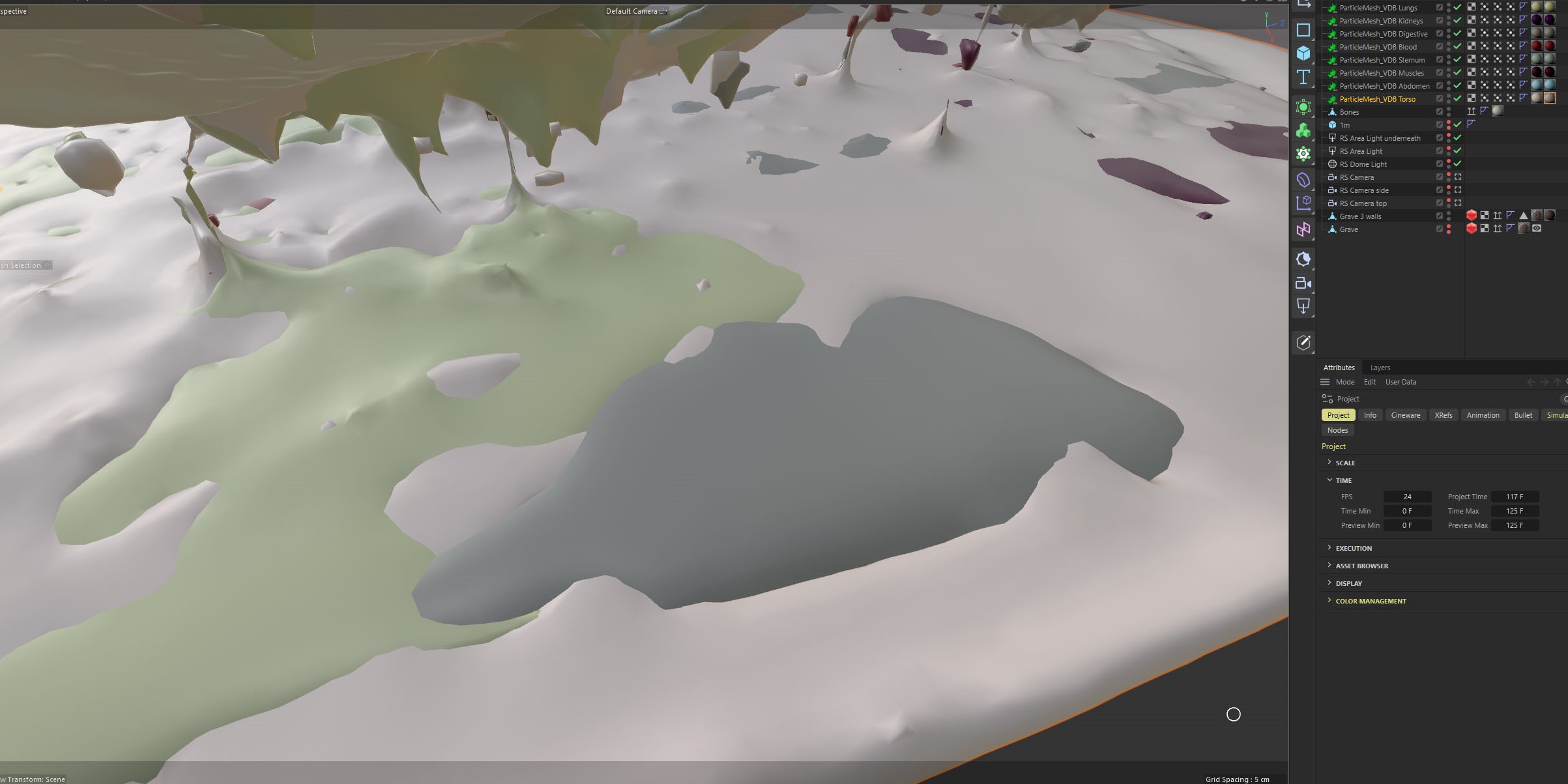
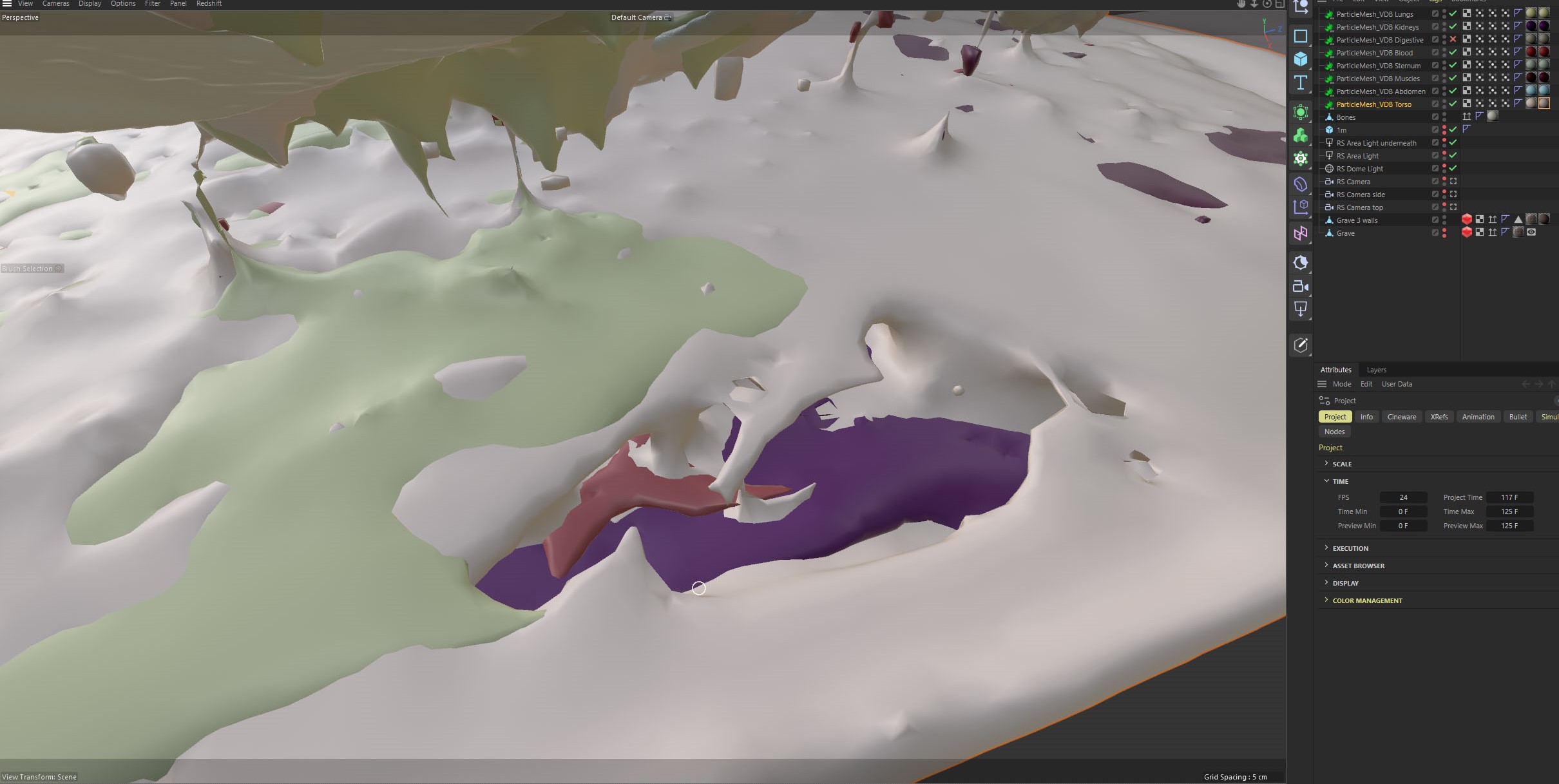
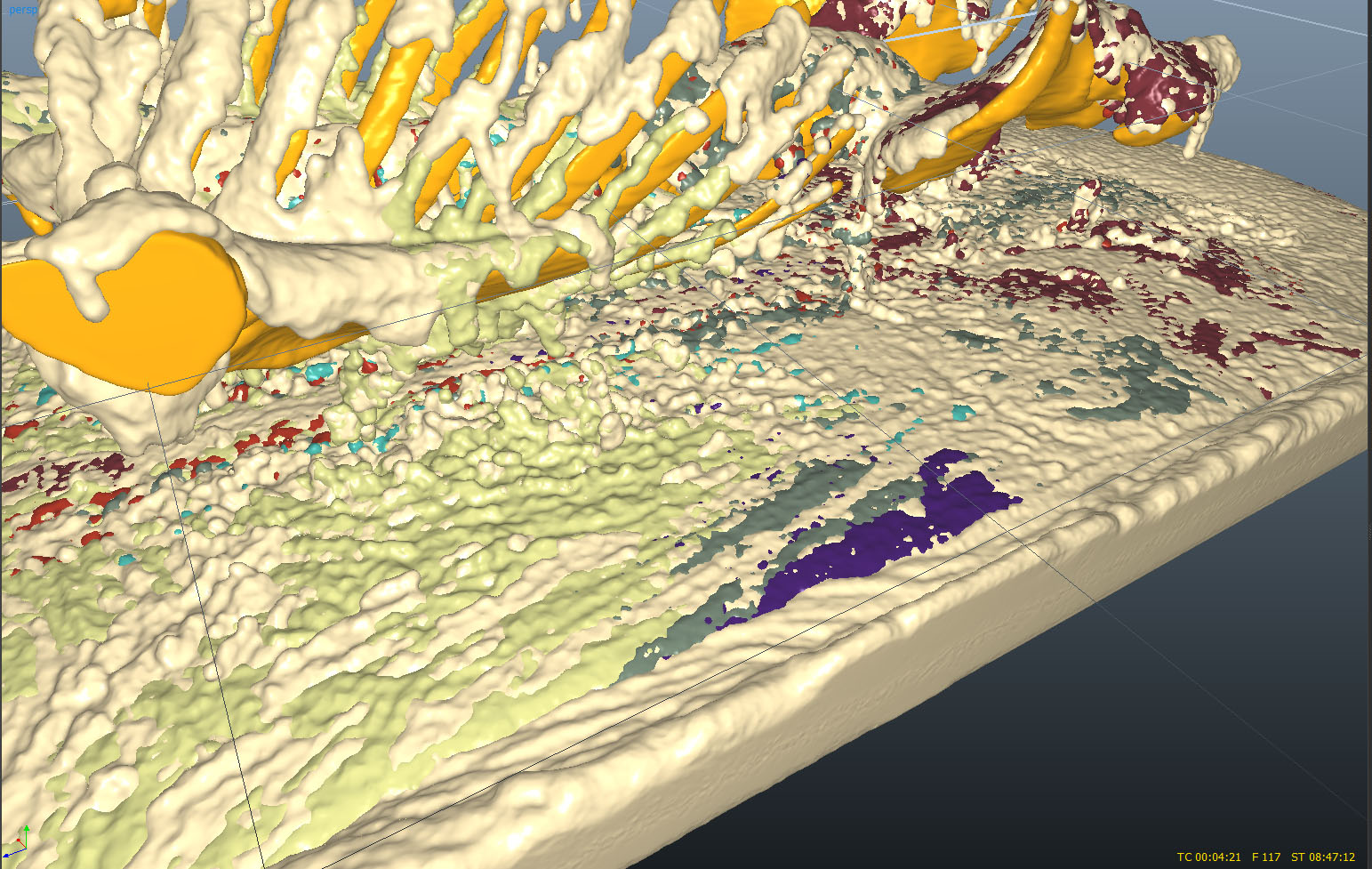
My first experiment was to give each organ a separate particle source, then hope that particles from different sources would interact. In the video you can see the fluids flow together but there is no sense of mixing. If we zoom into the end frame and hide the grey fluid (which comes from the digestive system) we can see it leaves a hole which is what we would expect if the fluids all remain separate.
The images are renders in Cinema4D.
Error: after I had finished I realise I did not scale the Abdomen organ correctly so it is a tiny (blue) object sitting up near the neck. Never mind – it is quite small anyway.

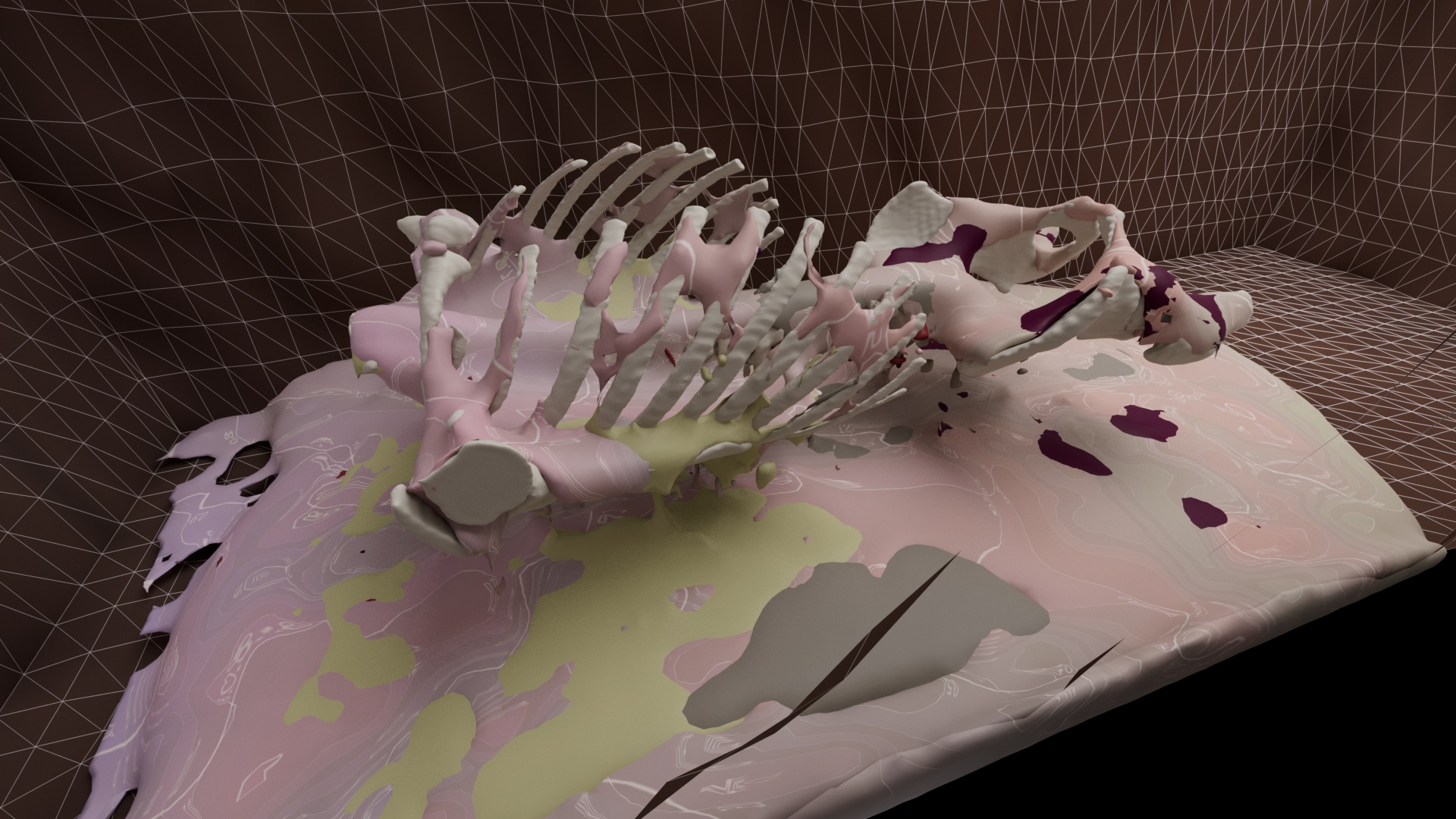

One thing I have to do is make sure the Torso body has an EmissionMask for each organ so it does not fill the organ volumes with its own particles.
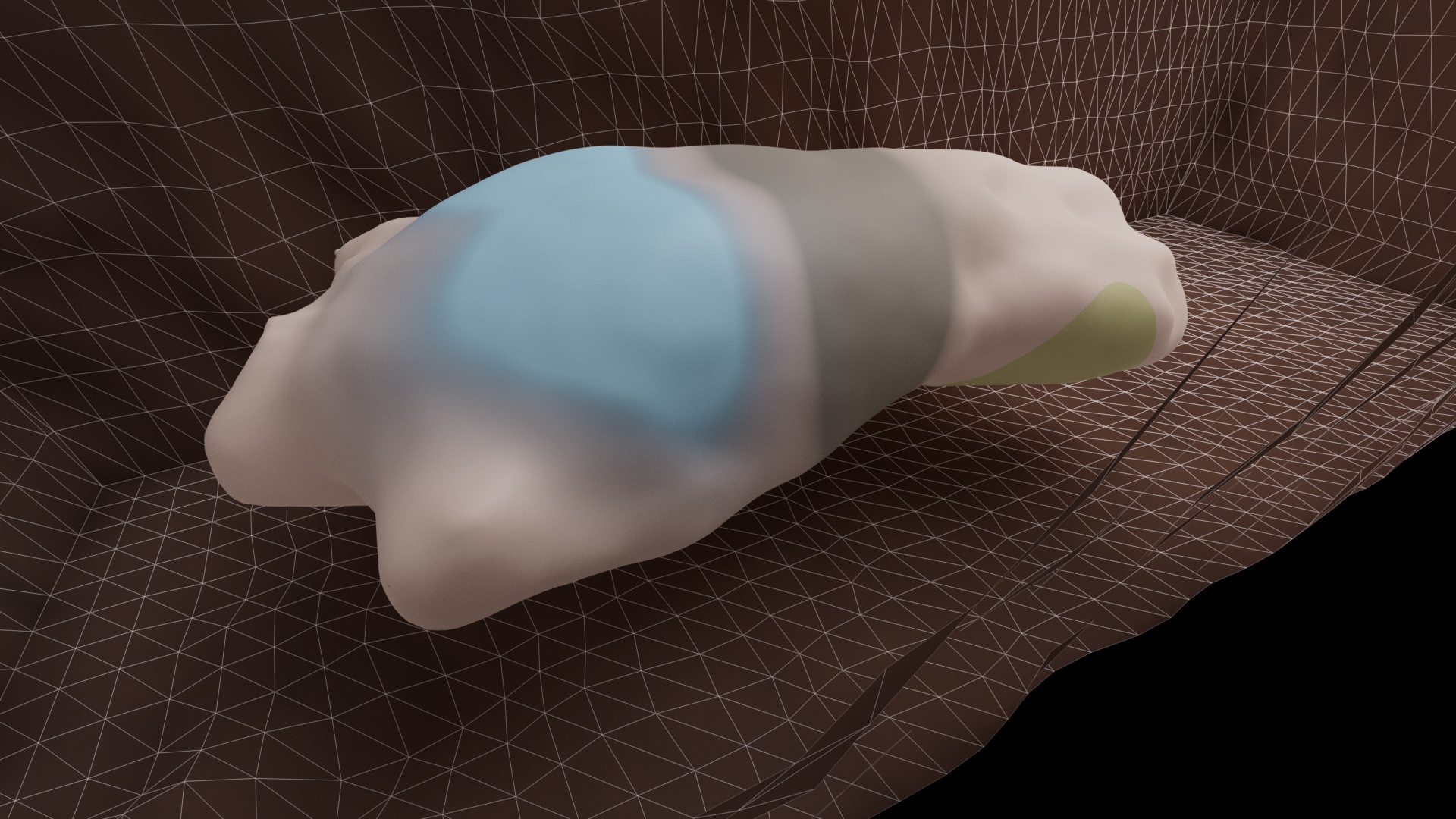
How accurate is this mask? I try a test using a big ellipsoid with a sphere inside. You can see in this image that the larger blue surface (the organ) is much bigger than the central blue surface (the body’s mask of the organ). This means there is a lot of overlap between the objects. I tried various ways to increase resolution, grow the mask or shrink the object but could not get it much more accurate. In the end, it did not seem to make much difference to the sim though.
Does the mesher mess up the mixing?
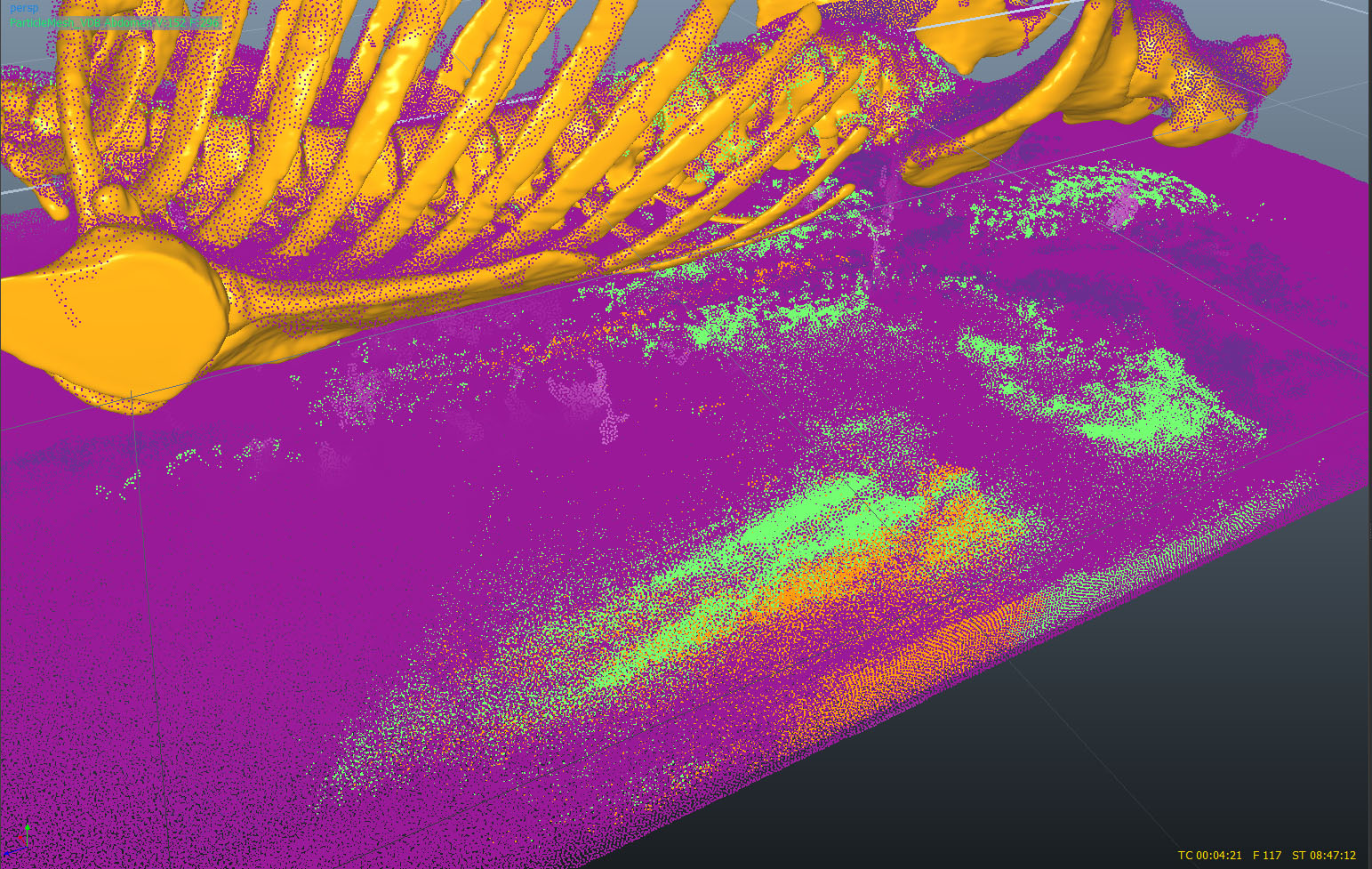
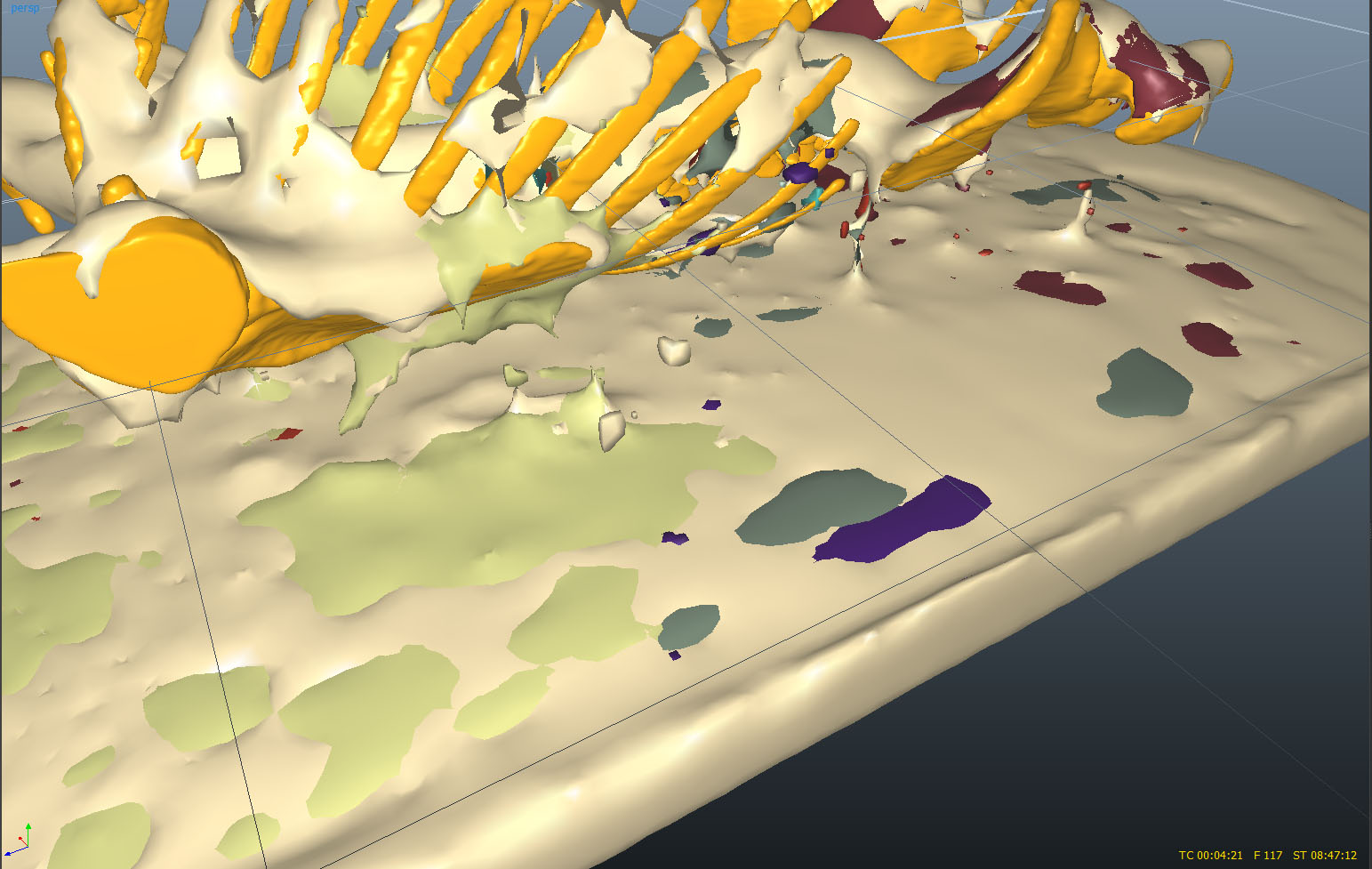
If we look only at the particles they seem to be intermingling but when we mesh them they look very separate. I could have tried to render the particles directly but Cinema4D has struggled with large numbers of particles. I tried increasing the resolution of the mesh and decreasing the radius of the particles to catch more detail (if it was there). The results look more noisy – there is some more sense of breaking up and flowing but it does not really suggest mixing. And I am now generating 10’s of millions of polygons.
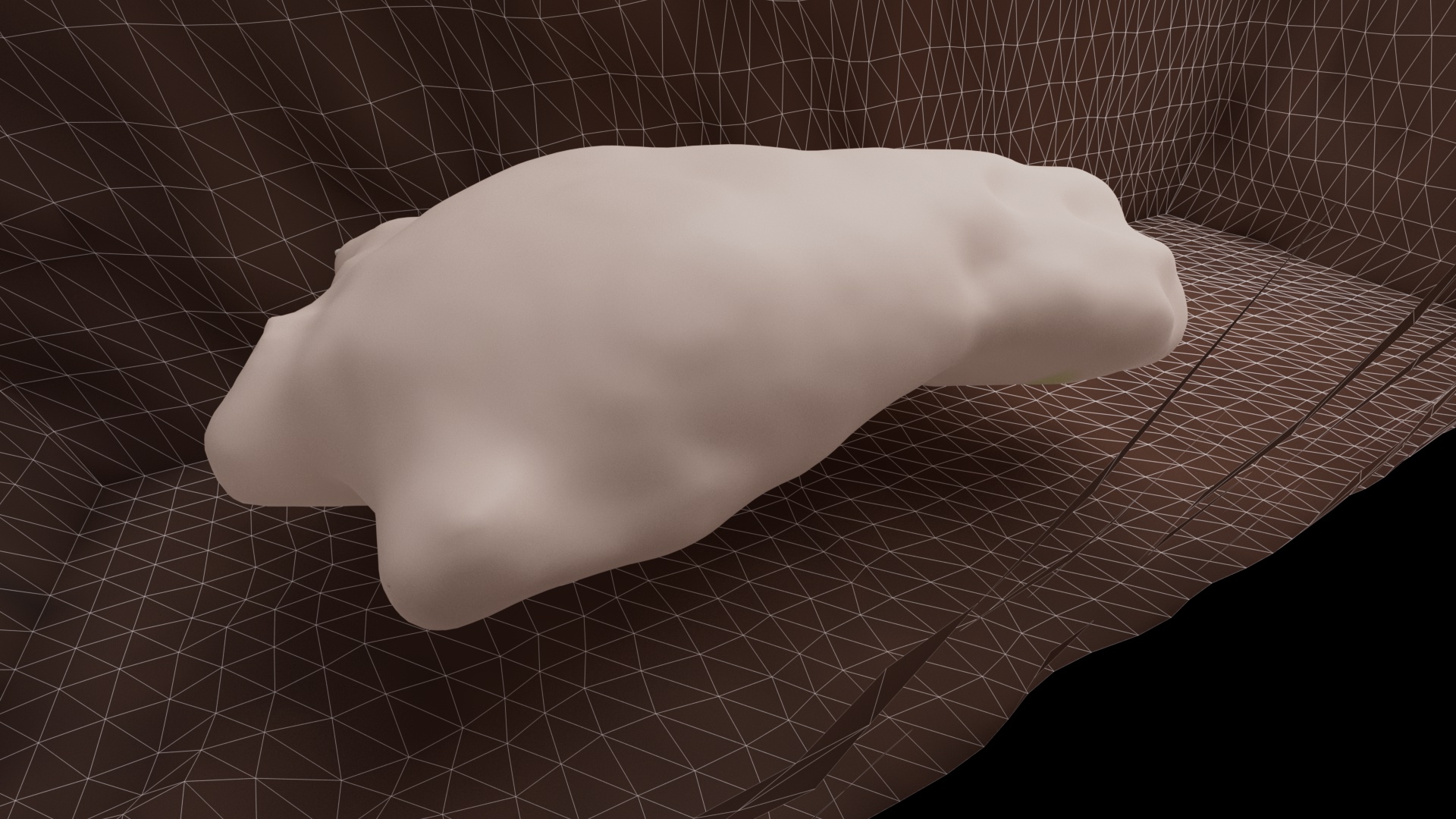
Realflow can generate weights channels for up to 10 different fluids to allow mixing. These are transferred to the mesher as vertex maps. I made a test Realflow project using an ellipsoid body with one internal spherical organ. Then I fed both fluid sims into one mesher. I imported the mesh into Cinema4D and confirmed that it had created a vertex map for each fluid. Then I created two StandardMaterials for the organ and body and applied them to the mesh. For the organ material I dragged the vertex map for the organ into its Alpha channel, masking the material with the organ weights. This had the effect of making the organ visible as a soft blob. The problem was that it was also visible on the first frame when the organ is supposed to be inside the body. When I tried it with the full torso model I could see internal organ colours had bled onto the surface like a t-shirt design.
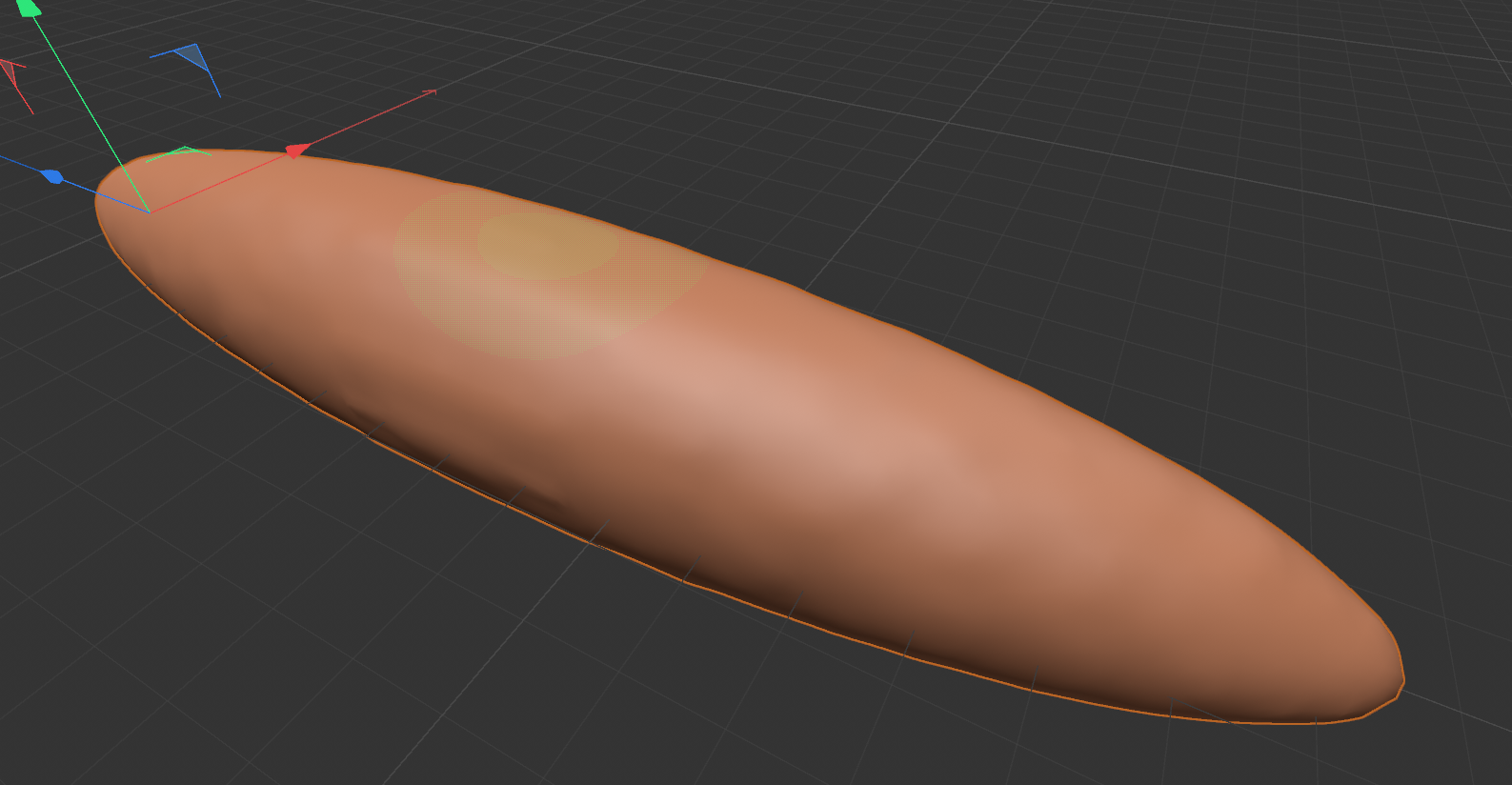
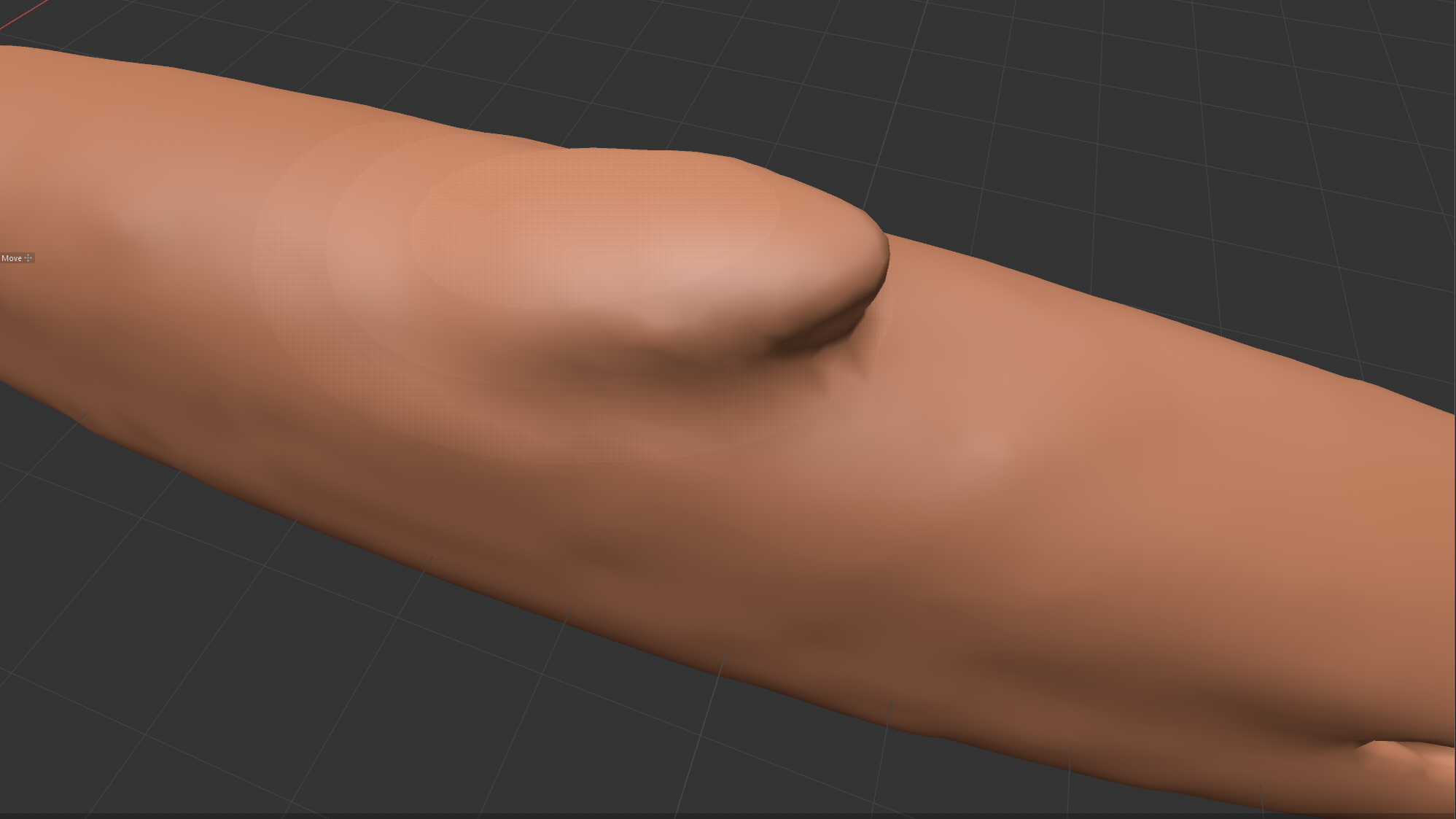
I tested the effect of the blend weights by making my organ intersect the body. It looked like the problem was that you cannot define a particular degree of mixing between objects, keeping close to object boundaries at the start and then increasing the blend, such as by adjusting the maximum proximity of a particle to each object. In reality this would presumably be determined by the organs gradually turning from solid to liquid state but there does not seem to be any way to model the degree of phase transition.
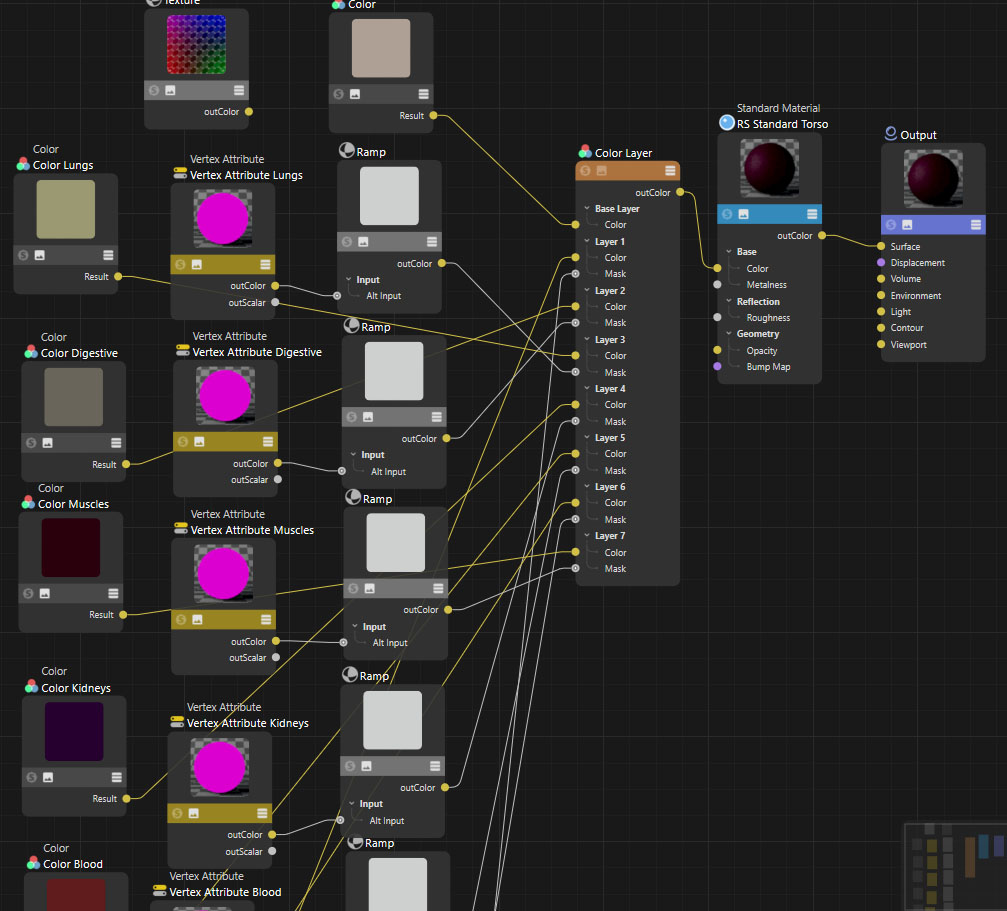
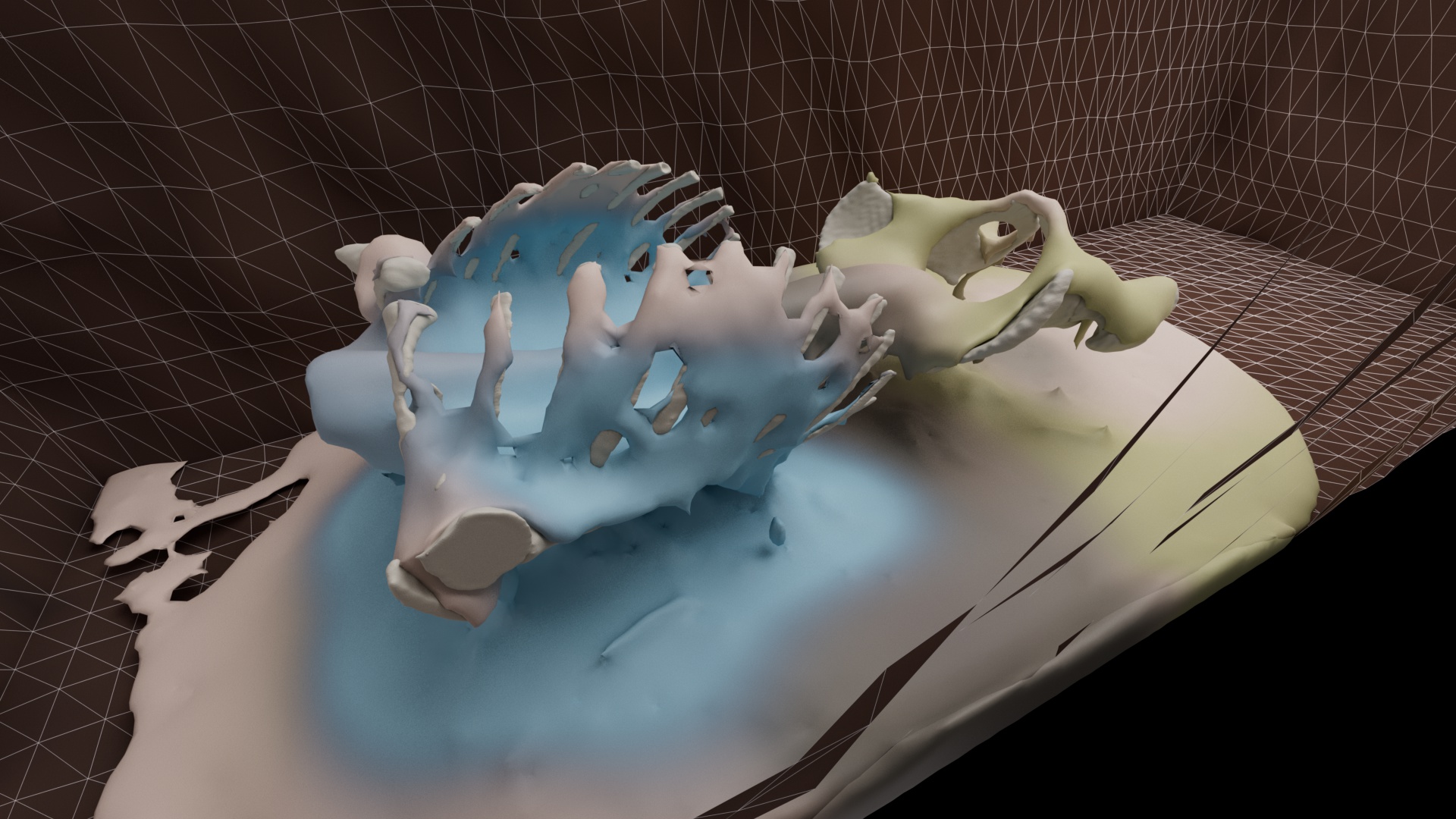
The only solution to the blending problem I could find was to manually edit the degree of blending by remapping the vertex maps. In Cinema 4D Redshift I used a ColorLayer to combine 7 different colours for each organ (this node seems to be limited to 7 layers so only just enough). The colours were masked by the mesh vertex maps but were first fed into a Ramp node. I used the Ramp node to squeeze the vertex map down to nothing at the start of the animation and then keyframed it up to a wider range so that the organ colours gradually appeared. We lost all but 3 of the organ colours and we get a blurring of the fluids like a stain spreading instead of a more complex intermingling. (The organ colours also seemed to swap around). Is this method better than keeping the meshes separate? (I also tried to blend texture maps but perhaps unsurprisingly this did not work – only outputting one set of uv’s for the mesh).
What would it really look like?
 The Posthumous World